f you’ve just been told your clinic is switching to OpenEMR and you’re not sure where to start, you’re in good company. A lot of nurses feel that way in the first week. The system looks dense, the menus go three levels deep, and somehow every button seems to open something you didn’t mean to open.
But here’s the truth: once you understand how OpenEMR is structured and what it’s actually doing, it starts to make sense. This guide walks you through OpenEMR implementation for nurses from the ground up — not from an IT perspective, but from yours.
What Is OpenEMR and Why Are Clinics Using It?
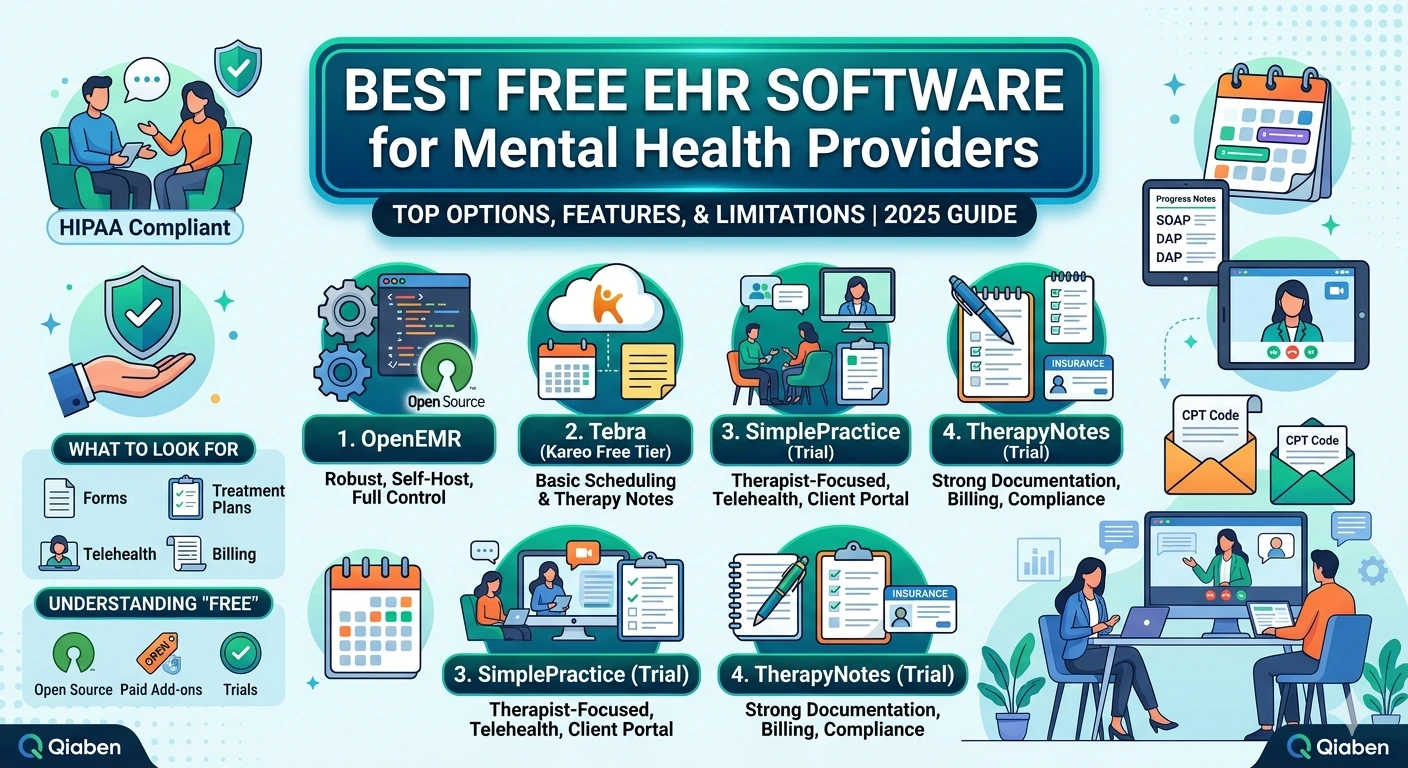
OpenEMR is a free, open-source electronic health record (EHR) system used by clinics, hospitals, and private practices worldwide. It handles patient records, scheduling, prescriptions, billing, and clinical documentation all in one place.
The reason so many healthcare facilities are choosing it right now comes down to cost and flexibility. There’s no licensing fee, it can be customized to fit almost any specialty, and it integrates with a wide range of billing and lab systems.
For nurses, that means you’re going to interact with OpenEMR every single shift — documenting vitals, updating care plans, reviewing orders, and communicating with the rest of the care team. Getting comfortable with OpenEMR implementation is not optional; it’s part of doing your job well.
Before You Log In: What to Expect During the Transition
One of the biggest frustrations nurses have with any EHR rollout is the gap between what IT promises and what the floor actually looks like on go-live day. Here’s what a typical OpenEMR implementation looks like from the nursing side.
Training usually happens in two phases. First, there’s a classroom or online session covering the basics: navigation, patient lookup, and documentation. Then there’s hands-on practice, either in a sandbox environment or during a supervised go-live period.
Most nurses find the classroom training helpful but not enough. The real learning happens when you’re at the bedside trying to document while a patient is talking to you. So don’t worry if it doesn’t all click during training — that’s normal.
Your facility will likely customize the interface. OpenEMR allows administrators to tailor forms, templates, and workflows to match your specific unit or specialty. This means the OpenEMR you use may look slightly different from screenshots you find online. When in doubt, ask your clinical informatics lead or superuser.
Step 1: Learn the Layout
When you first log into OpenEMR, you’ll see a main navigation bar along the top or left side, depending on how your facility has configured it. The most important areas for nurses are:
Patient Dashboard — This is your central hub. Once you search for and open a patient, everything branches from here: demographics, visit history, problem list, medications, and allergies.
Encounter / Visit Notes — Where you’ll document your assessments, nursing notes, and interventions. Your facility may have created custom nursing templates here.
Vital Signs — A dedicated section for entering and reviewing vitals. Make sure you know where this lives early on, because you’ll be here constantly.
Medications — OpenEMR tracks the current medication list and prescription history. Nursing staff often review this during admission assessments or med reconciliation.
Immunizations and Allergies — Separate tabs, easy to miss at first. Get in the habit of checking both at the start of a new patient encounter.
Spend your first few shifts just getting familiar with moving between these sections without clicking the wrong thing. Speed comes with repetition.
Step 2: Navigating Patient Encounters
Every time a patient comes in, a new encounter gets created. Think of an encounter as a container — it holds everything documented during that specific visit.
During OpenEMR implementation, nurses often get confused about the difference between updating a patient’s chart generally versus documenting within an active encounter. Here’s the rule of thumb: if it happened during today’s visit, it goes in the encounter. Chronic conditions and standing medication lists live in the patient record itself.
To open an encounter:
- Search for the patient using their name or ID
- Open their chart from the search results
- Select the current visit date from the encounter list, or create a new encounter if one hasn’t been started
Once you’re inside the encounter, you’ll see tabs or sections for different documentation areas. Your facility may have a specific nursing tab built into the visit template.
Step 3: Documenting Nursing Notes
This is where most nurses spend the bulk of their time during OpenEMR implementation and beyond. OpenEMR supports several documentation styles — free text, structured forms, and SOAP notes.
Structured forms are the most efficient for routine assessments. If your facility has built a head-to-toe assessment template or a fall risk form inside OpenEMR, use it. It standardizes documentation and saves time.
Free text is useful for narrative notes — explaining a patient’s response to treatment, documenting a family conversation, or writing a care summary. OpenEMR’s text editor is straightforward, similar to what you’d find in any basic word processor.
A few documentation habits that will serve you well:
- Always document in real time or as close to it as possible. OpenEMR timestamps everything, and discrepancies between your note time and the actual time of care can become a compliance issue.
- Use the problems list. If a patient has an active issue you’re monitoring, linking your note to the relevant problem helps the whole care team follow the thread.
- Check your work before signing. Once a note is signed in OpenEMR, it’s part of the permanent record. Most facilities allow amendments, but the original stays visible.
Step 4: Vital Signs Entry
Vital signs entry is one of the first things nurses get comfortable with during OpenEMR implementation, and for good reason — it’s something you do multiple times a shift.
From the patient dashboard, navigate to the vitals section and select “Add Vitals” or the equivalent option in your facility’s setup. You’ll see fields for:
- Blood pressure (systolic/diastolic)
- Heart rate
- Respiratory rate
- Temperature (with units)
- Oxygen saturation
- Height and weight
- BMI (often auto-calculated)
- Pain score
OpenEMR will display trending graphs over time once you have several entries. This is genuinely useful when you’re watching a patient’s blood pressure pattern or tracking weight changes in a CHF patient.
If you’re entering vitals for multiple patients in sequence, develop a rhythm: open patient, enter vitals, save, close. Don’t leave partial entries open across charts — this is a common source of errors in the early weeks of OpenEMR implementation.
Step 5: Medication Review and Reconciliation
Nurses play a critical role in medication reconciliation, and OpenEMR makes this process trackable — though it requires you to know where to look.
The medication list in OpenEMR shows:
- Active prescriptions
- Discontinued medications (usually filterable by status)
- OTC or patient-reported medications added manually
During admission, you’ll compare what the patient reports they’re taking against what’s in the system. Discrepancies need to be flagged and resolved before the provider signs off on orders.
One thing to note: OpenEMR does have a basic drug interaction checker built in, but your facility may supplement this with a dedicated pharmacy system. Know which one your team relies on for final verification.
Step 6: Communication and Task Management
OpenEMR includes an internal messaging system that many care teams use for non-urgent communication. You can send messages to providers, flag items for follow-up, and manage tasks related to patient care.
During OpenEMR implementation, this feature often gets overlooked in training but ends up being really useful in practice. If a patient asks you to pass along a question to their doctor, documenting it as an internal message creates a paper trail that a verbal handoff doesn’t.
The task list feature is also worth setting up early. You can assign tasks to yourself or to other users — useful for flagging something that needs follow-up after your shift.
Common Mistakes Nurses Make During OpenEMR Implementation
Documenting outside the encounter. Notes written in the wrong section of the chart can be hard to find and may not be visible to the care team in context. When in doubt, ask your superuser where a specific type of note should go.
Forgetting to save. OpenEMR does not auto-save in all sections. Get in the habit of clicking save after every entry, not just before you close the tab.
Assuming the medication list is current. The list is only as accurate as the last person who updated it. Reconciliation is active work, not passive review.
Skipping the allergy section. It’s easy to assume allergies are already documented. They often aren’t, especially on first visits or transfers. Check every time.
Not using keyboard shortcuts. OpenEMR has several navigation shortcuts that speed up documentation significantly. Ask your trainer or superuser for a cheat sheet — most facilities create one during implementation.
Tips for Getting Faster
The first two weeks of OpenEMR implementation are always the slowest. That’s just how it goes with any new system. But there are things you can do to close that gap faster:
Identify your superusers. Every unit should have one or two nurses who received extra training and can answer questions on the floor. Find out who they are on day one.
Practice in the sandbox. If your facility has a training environment, use it. Enter fake vitals, write practice notes, run through a med reconciliation. Muscle memory matters.
Write down your most common workflows. Step-by-step notes for the tasks you do most often (vitals entry, nursing assessment, end-of-shift note) will save you from hunting through menus when you’re tired.
Give yourself grace. Experienced nurses with ten or fifteen years of EHR experience still hit a learning curve with a new system. Slow documentation in the first month doesn’t mean you’re doing it wrong — it means you’re learning.
Final Thoughts
OpenEMR implementation for nurses is a process, not an event. You’re not going to master it in training. You’re going to learn it over the first few weeks on the floor, by doing the work and asking questions when something doesn’t make sense.
The system is capable, and once you’re comfortable in it, it genuinely does make documentation easier and safer. The problem list, the trending vitals, the internal messaging — these tools exist to support the care you’re already delivering. They just take a little time to become second nature.
If you’re working through OpenEMR implementation at your facility right now and want support, Qiaben offers hands-on OpenEMR setup and training services for clinical teams. Reach out here — we work with nurses, not around them.