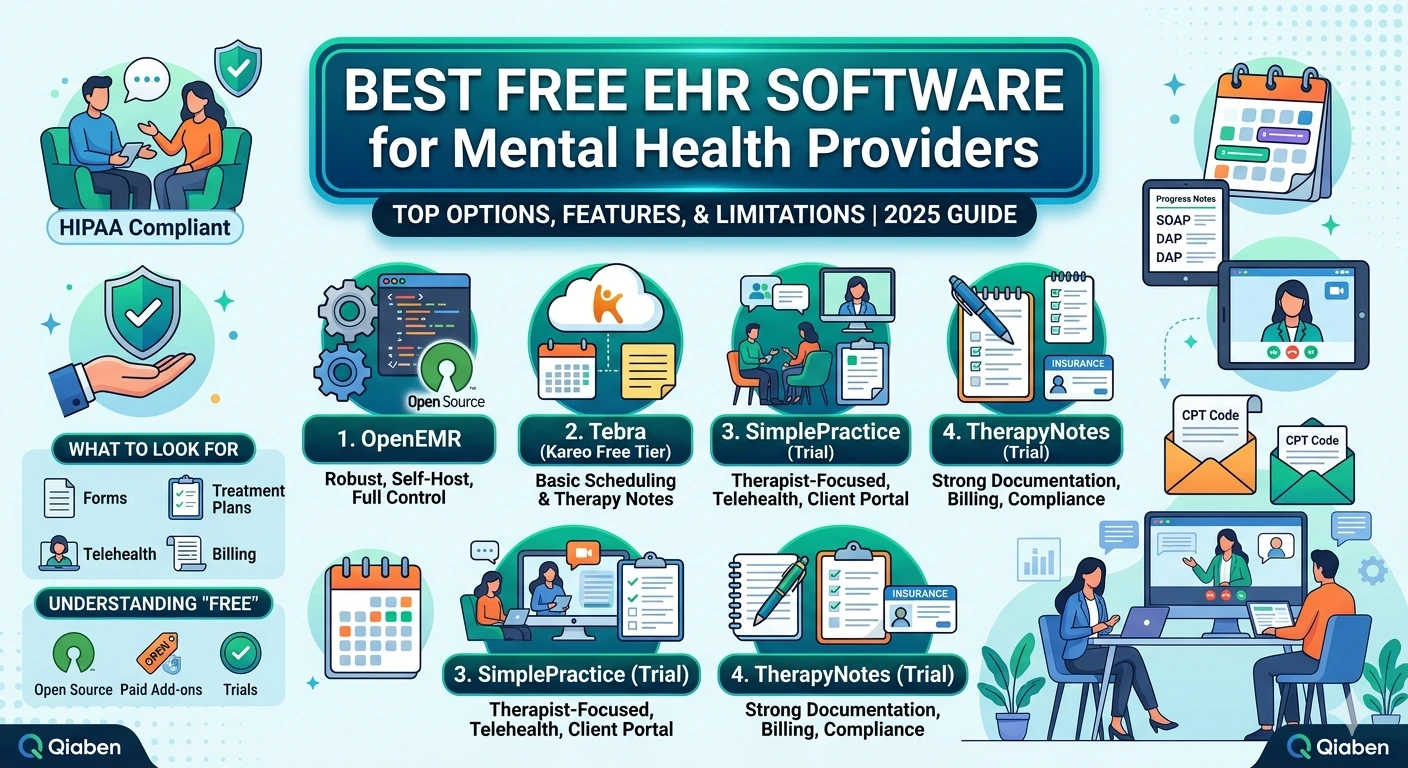
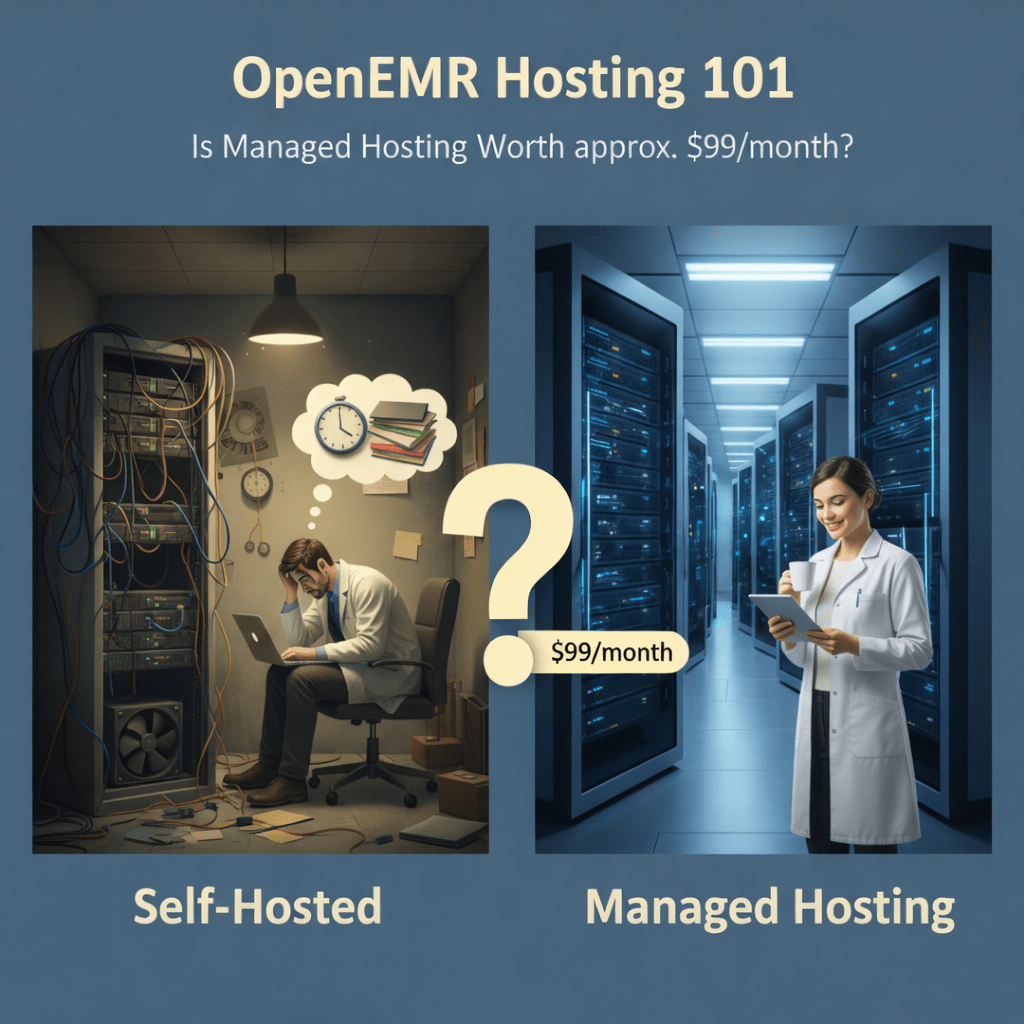
If you use OpenEMR (or are weighing it), hosting matters. It’s not glamorous, but it’s the thing that keeps charting quick, patient portals working, claims flowing, and your staff from spending half the day firefighting. Many vendors advertise managed plans around OpenEMR hosting $99, but what does a managed plan actually buy you? And is it the right move for your practice?
Below I’ll walk through the real tradeoffs in plain language so you can decide without the buzzwords.
Why practices choose managed hosting
Put simply: managed hosting takes the server-side headaches off your to-do list. Instead of your front desk or whoever “knows a bit about servers” patching the OS on a Tuesday night, a host does that work, monitors for trouble, and proves their backups actually restore.
This matters most when:
- You don’t have a dedicated sysadmin.
- Your patient portal is a key part of care (telehealth, secure messaging).
- You run multiple sites and want consistent access.
- You want clearer audit logs and BAAs for compliance.
Managed hosting is about predictable operations. It doesn’t fix every problem but it keeps most of the preventable ones from happening.
Typical things a solid managed plan includes
Vendors vary, but a dependable mid-tier plan usually gives you these basics:
- daily automated backups and routine restore tests (not just a “backup ran” email)
- OS and OpenEMR security patching and monitoring
- uptime alerts and basic performance tuning so charting stays snappy
- SSL/certificate handling for the patient portal and secure logins
- ticketed support for infrastructure issues and clear escalation paths
- documentation and BAA support to help with HIPAA readiness
Extras you may see (often add-ons): managed major-version upgrades (with a staging test), geo-redundant backups, hands-on migration help, or deeper integration support (labs, HL7, billing connectors).
What you gain and what you give up
Gains:
- fewer surprise outages
- less staff time spent on server chores
- faster, more reliable patient portal access
- better-tested backups and a clearer exit path if you ever leave
Trade-offs:
- some limited ability to do deep custom server tweaks (ask the vendor)
- you’ll depend on the host for restores and incident response check SLAs
- support boundaries: hosting ≠ full application consulting unless explicitly included
If your OpenEMR setup uses custom community modules, confirm the host supports those before signing on.
Quick checklist to use with vendors
Ask each prospective host for:
- A live restore demo prove the backup actually restores.
- Written SLA details uptime, response times, and remedies.
- A sample data export (DB + documents) and exit timeline.
- Proof they’ll change default credentials and harden security on setup.
- Examples of OpenEMR modules and patient portal integrations they’ve supported.
If they won’t show a restore or can’t commit to a clear export process, walk away.
Short FAQ answers your customers will care about
Q: Is managed hosting worth it?
A: If you don’t have dedicated ops staff or you can’t tolerate downtime, yes it’s usually worth it. If your clinic has a solid internal IT team and heavy custom hooks, self-hosting might still be fine.
Q: What is “OpenEMR professional support”?
A: That’s help focused on the application configuring charts, fixing module issues, troubleshooting OpenEMR behaviors. Hosts sometimes include basic app support; advanced app work is often billed separately.
Q: Will the host support OpenEMR modules and the patient portal?
A: Reputable hosts support common modules and patient portals, but always confirm support for the exact modules you use.
Q: Can you run OpenEMR on AWS?
A: Yes many hosts run OpenEMR on AWS, Azure, or Google Cloud. If you prefer a specific cloud for regional compliance or existing contracts, ask if they’ll deploy there.
Q: What about OpenEMR security and default credentials?
A: A good host will remove or change default credentials during onboarding, enforce strong passwords, enable logging, and apply security hardening. Ask them to document the steps they take.
Q: How do I install OpenEMR on Ubuntu or migrate an Ubuntu setup?
A: Most hosts can help migrate an Ubuntu install. They’ll either do a live migration or a staged import; request a migration plan that shows how attachments, documents, and the database are handled.
A practical nudge
I’ve seen clinics that used to spend days fixing outages or chasing missing documents switch to managed hosting and get that time back for patients and billing follow-up. If your local peers are moving to hosted stacks and you’re still running servers in-house, consider whether you’re spending staff time on infrastructure that a host could handle.